WORLDESIUMPlay in browser

YOUR WORLD IS WAITING

A whole planet.
Your own place in it.

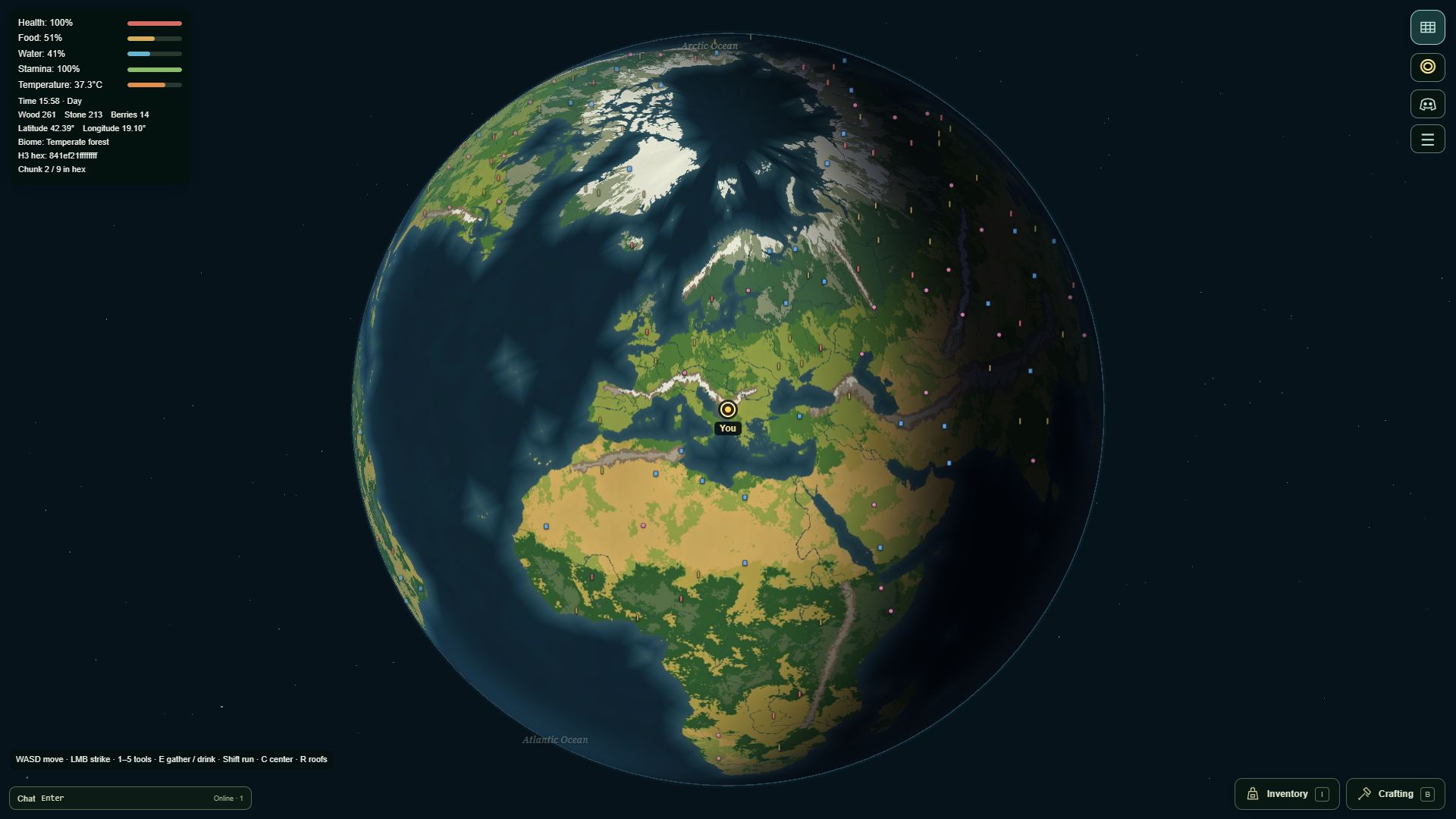
Gather, build and survive with friends. Bring the same Worldesium world to your desktop — with your account, progress and creations.

No new account neededFree to playOnline multiplayer
THE COMMUNITY IS GROWING

— desktop downloads

Public installer downloads from GitHub Releases.
All desktop versions combined.

CHOOSE YOUR WAY IN

Choose your platform.

EARLY ACCESS
DESKTOP APP

Windows

RECOMMENDED

Your own game window, a fullscreen experience and signed desktop updates. Your progress stays with your account.

Looking for the latest release…

Windows 10 / 1164-bitInternet to launch

Ready in three steps

  1. 01
    Download the installer

    Get the latest setup file using the button above.

  2. 02
    Install and open Worldesium

    Follow the setup steps. WebView2 is installed if needed.

  3. 03
    Pick up where you left off

    Sign in with your existing game account.

IPHONE & IPAD

A home on your Home Screen

Play the 3D world on your phone with touch controls and a fixed landscape camera. To install a Home Screen shortcut, open Worldesium in Safari. Tap Share, then Add to Home Screen. Enable “Open as Web App” if shown.

Open in your browser ↗
ANDROID

Install from Chrome

Play with touch controls in Chrome. For a full-screen shortcut, use the browser menu: in the browser menu, choose Install app or Add to Home screen.

Open the game ↗
MACOS & LINUX

The browser is your gateway.

Native installers aren't available yet. You can already play in your browser with the same account and world.

Play now ↗

BEFORE YOU JUMP IN

Good to know.

Will my browser progress carry over?

Yes. Sign in with the same account. Your multiplayer character and saved progress live on the Worldesium server. Version 0.4 uses a new 3D world; legacy world data is stored separately. Singleplayer worlds belong to the browser or app where you create them.

Do I need an internet connection?

The app loads the current game from the website, so an internet connection is required to launch it. On desktop, singleplayer world state is saved locally; multiplayer requires a connection.

How do desktop updates work?

The app checks for signed releases and lets you install a new desktop version. Game content is served directly by Worldesium.

What does the download counter measure?

It combines the public download counts of Windows installers on GitHub Releases. It counts downloads, rather than unique players or completed installations.